
(01) PROJECT BRIEF
Android App Development in Dubai
DevelopPrism scopes Android app development around Kotlin features, device testing and Google Play release preparation, then connects the work to the customer action the page is meant to support. Android testing covers screen sizes, Android versions, network failures and permissions. Barcode scanning or offline field work can add device-specific requirements; define these before estimating development rather than treating every Android app as a cross-platform MVP. The first discussion is used to confirm the offer, audience, existing assets, account access and the people who will review the work, so the proposal can separate required delivery from optional extras.
(02) INTRO
Native Android can suit products that depend on platform capabilities or specialised device behaviour. A cross-platform approach can be appropriate when shared development supports the required experience. Compare the integration needs and long-term maintenance before choosing. A framework name is not a substitute for a product brief.
Android testing should include representative screen sizes, permissions and network conditions. Define which devices and operating-system versions are supported. Store listing content, privacy disclosures and account access also need owners. Approval and review processes remain external dependencies, not deadlines an agency can guarantee.
(03) NATIVE ANDROID (KOTLIN)
Review Android device and release requirements
Kotlin options
Choose native or cross-platform development around the required features and maintenance plan. Identify the Android versions and device types that matter to the audience. Test permissions, connectivity changes and key journeys, and confirm ownership of the Google Play account before planning release.
(04) CROSS-PLATFORM OPTIONS
Cross-platform options
If your Android app development in Dubai also needs an iOS version, Flutter or React Native can share one codebase and reduce cost, and our iOS app development team can take the Apple side. We recommend native Kotlin when the app needs deep device features, heavy offline use or specialist hardware such as barcode scanners.
Choose Native or Shared Code Around App Requirements
Choose native or shared code after identifying device features, integrations and the team supporting the app. Compare the required user journey and maintenance responsibilities, not only the platform label. A native Android brief is not automatically the same scope or price as the published cross-platform MVP.
(05) GOOGLE PLAY PUBLISHING
Google Play publishing
We set up your Play Console listing, store graphics, privacy declarations and content rating, then run closed testing before launch. New developer accounts can face extra testing requirements before production release, so we build that into the timeline.
Test the Android Devices the App Must Support
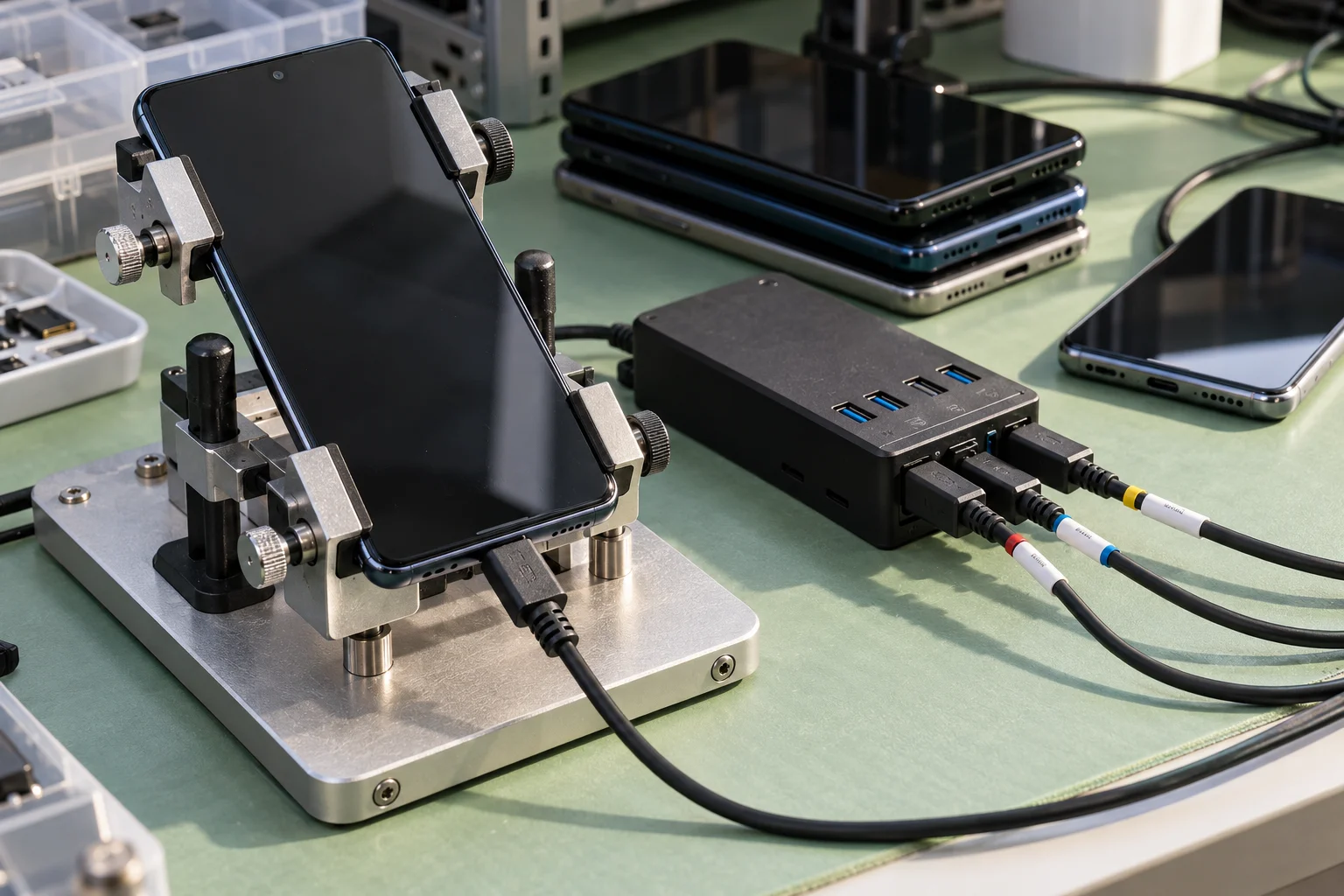
Define the supported Android versions and representative device sizes before testing. Check layouts, permissions, network failures and any device-specific functions in the brief. Record the agreed coverage and issues found rather than implying that a test on one handset proves every Android device behaves identically.
(06) OUR ANDROID APP DEVELOPMENT PROCESS
Our Android app development process
See example projects: laundry pickup app (flutter mvp), field-service app for an elevator maintenance contractor, parent app for a nursery.
A practical delivery plan connects the decisions in the brief to specific review points. Timing follows the scope and access available, not a generic promise. Each phase has an owner and an outcome to evaluate.
01
Discover the workflow
We define the features and choose between native Kotlin and cross-platform, based on your users' devices and what the app must do.
02
Design the release
We weigh cross-platform against native for your case, then design screens that work across Android's wide range of screen sizes.
03
Build and validate
We test on a range of real devices and Android versions, including budget phones common in the UAE, so the app works for all your users.
04
Deploy and support
Release builds go through internal and closed testing before production. After launch you keep the source code and Play Console access.
(07) HOW MUCH DOES ANDROID APP DEVELOPMENT COST IN DUBAI?
How much does Android app development cost in Dubai?
Native Android projects are quoted by features, integrations and supported devices. See published service pricing.
(08) YOUR QUESTIONS
Before We Begin
How long does Android app development take?
The Android schedule follows the features, integrations and supported devices in the brief. Permission states, unreliable connections and device-specific functions need testing time. Confirm release milestones after those requirements are defined; the cross-platform MVP timetable is not automatically a native Android commitment.
How much does Android app development cost in Dubai?
Native Android projects are quoted by features, integrations and supported devices. Barcode, offline or other device-specific requirements change the scope. Compare the native brief with the published cross-platform offer rather than treating them as the same package.
Do you work with small businesses?
Yes. A small business can define a core Android workflow and release optional features later. Identify the devices, users and operational needs first so the initial build and testing remain useful and bounded.
Tell us about your project
Share your goal, current website and timeline. We'll suggest the right scope and the next step.